Service Coverage Area

Malaysia
  • Kuala Lumpur/Selangor (HQ)
  • Penang
  • Perak
  • Kedah 
  • Perlis
  • Johor
  • Melaka
  • Negeri Sembilan
  • Pahang 
  • Terengganu
  • Kelantan
  • Sabah 
  • Sarawak
  • Labuan
Overseas
  • Singapore
  • Thailand
  • Vietnam
  • Indonesia
  • China
  • Philippines

How We Deliver Our Services?

Frequently Asked Questions (FAQs)

AutoCount Products Offered by Presoft

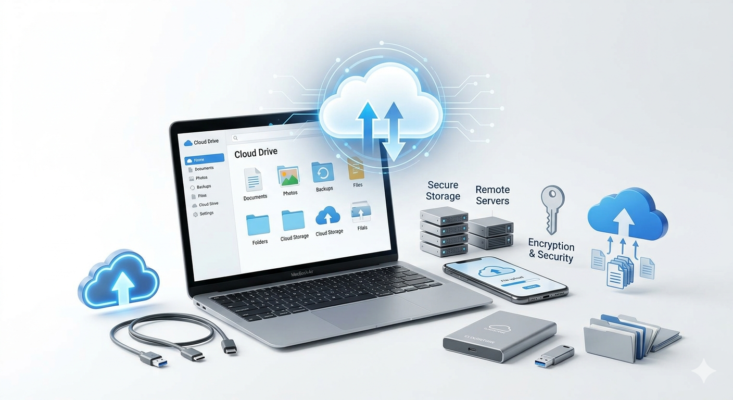
What is the difference between AutoCount desktop and AutoCount Cloud?

AutoCount desktop (AutoCount Accounting 2.2) is installed locally on your computer and stores data on your own server — ideal for businesses that prefer full control over their data. AutoCount Cloud, on the other hand, is hosted online and accessible from anywhere via browser or mobile. As an authorised AutoCount dealer, Presoft can help you decide which option suits your business needs.

Is AutoCount suitable for small businesses and SMEs in Malaysia?

Yes. AutoCount is designed to be user-friendly and cost-effective, making it one of the most popular accounting software choices among Malaysian SMEs. It supports businesses across retail, F&B, wholesale, manufacturing, construction, and services industries.

Can AutoCount handle multi-currency transactions?

Yes, AutoCount supports multi-currency transactions, making it suitable for businesses dealing with overseas clients and suppliers. This is particularly useful for Malaysian companies trading with Singapore, Indonesia, China, and other international markets.

What is the difference between AutoCount OneSales and AutoCount Cloud Accounting?

AutoCount OneSales is a cloud-based sales and inventory management tool focused on mobile sales operations. AutoCount Cloud Accounting is a full cloud-based accounting solution covering GL, AR, AP, and financial reporting. Both are available through Presoft and can be used independently or together depending on your business needs.

What types of custom AutoCount plugins does Presoft develop?

We offer a wide range of specialized plugins developed at our Puchong HQ, including AI receipt scanner and automation of data entry, WhatsApp integration with AutoCount, E-Invoicing tools, Mobile Sales apps, and many more. Regardless of where you are, we can deploy these remotely to enhance your standard AutoCount setup. For more information of our plugins and customization, check out our customization list here or the plugins list from our menu!

Can your plugins be customized for my specific industry in Malaysia?

Yes. Our developers specialize in tailoring plugins for various sectors, from retail and wholesale to manufacturing. We can customize workflows to ensure your AutoCount system meets the specific tax and operational requirements of both Malaysia and overseas.

Presoft Services

Is Presoft an authorised AutoCount dealer in Malaysia?

Yes. Presoft (M) Sdn Bhd is an authorised AutoCount dealer and a MDEC-appointed Technology Solution Provider (TSP) headquartered in Puchong, Selangor. We have been serving Malaysian businesses with AutoCount implementation, training, and support since our establishment, with over 4,000 members in our network.

What is the difference between buying AutoCount directly vs through Presoft?

Purchasing AutoCount through Presoft means you get more than just the software — you get a dedicated local support team, personalised implementation, hands-on training, custom plugin development, and ongoing helpdesk support. Presoft acts as your long-term AutoCount partner, not just a point of sale.

Does Presoft provide AutoCount training?

Yes. Presoft provides both onsite and online AutoCount training covering accounting, payroll, POS, e-Invoice, and custom modules. Training is available for new users as well as existing users who want to learn advanced features. Visit presoft.com.my/presoft-training-events/ for upcoming sessions or contact us to arrange a private training.

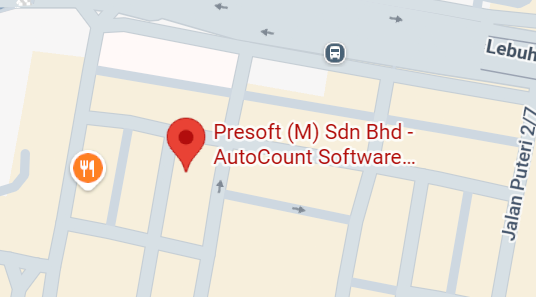
Does Presoft provide onsite AutoCount support in Puchong and the Klang Valley?

Yes, our headquarters is centrally located in Puchong, Selangor. We provide scheduled onsite consultations, system implementation, and hands-on training for businesses throughout Puchong, Petaling Jaya, Subang Jaya, and the whole of Malaysia.

How does Presoft support AutoCount users located overseas or other Malaysian states far from Puchong?

We have a dedicated service model for our overseas clients. This includes remote AutoCount Cloud deployment, online strategy consultations, and a digital helpdesk. We ensure your system is configured to handle regional requirements while providing instant support via screen-sharing, regardless of distance.

Where does Presoft provide onsite support?

Our physical onsite support and training services are primarily concentrated in Puchong, Selangor, and the wider Klang Valley. While we are centrally located to serve PJ, Shah Alam, and KL, we are also prepared to travel to other states in Malaysia as well as travel to outstation locations within our service coverage area to meet your specific business needs.

Is remote support as effective as onsite training?

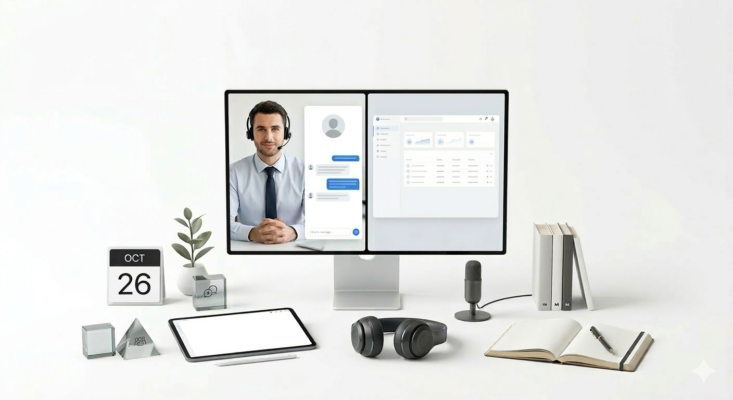
Yes! In fact, it’s often faster. Our Remote Helpdesk allows our Puchong-based technicians to see your screen in real-time. Regardless of where you are, we can troubleshoot and guide you through AutoCount processes as if we were sitting right next to you.

How are plugin updates and technical support handled?

All plugin support is managed by our remote helpdesk. We can perform updates and troubleshooting via screen-sharing for any client nationwide. This ensures that even if you are outside Selangor, you receive immediate technical assistance for your custom modules.

How do I contact Presoft for support?

You can reach Presoft through multiple channels — call (603) 8068 2556, WhatsApp (6010) 210 2556, or email sales@presoft.com.my. Our support team is based in Puchong, Selangor and provides remote helpdesk support for clients nationwide and overseas.

E-Invois / MyInvois

Does AutoCount support Malaysia e-Invoice (MyInvois)?

Yes. AutoCount has a built-in e-Invoice module — the AutoCount e-Invoice Platform (AIP) — developed in association with the official LHDN e-Invoice SDK. It allows businesses to submit Standard, Consolidated, Self-Billed, and POS e-Invoices directly to the LHDN MyInvois system. Presoft provides full implementation and support for this module.

When is e-Invoice mandatory for my business in Malaysia?

LHDN’s e-Invoice rollout is phased by annual turnover. Businesses with annual turnover above RM100 million were required to comply from August 2024, followed by businesses above RM25 million from January 2025, and all remaining businesses from July 2025. Contact Presoft to check your compliance status and get set up quickly.

How do I set up e-Invoice in AutoCount?

To enable e-Invoice in AutoCount, go to Tools > Options > General > Country & Tax Section and enable the e-Invoice module. You will then need to set up your Tax Entity and TIN details. Presoft provides full e-Invoice setup, training, and ongoing support — contact us at (603) 8068 2556 to get started.

Can AutoCount submit e-Invoice directly to LHDN?

Yes. AutoCount’s AIP server submits e-Invoices directly to LHDN’s MyInvois system. It supports Standard, Consolidated, Self-Billed, and POS e-Invoices, and includes an audit trail for all submission records. Presoft handles the full setup and ensures your business is fully LHDN-compliant.

AutoCount How-To

What are the AutoCount shortcut keys?

AutoCount has a comprehensive set of keyboard shortcuts to speed up daily accounting tasks. A full AutoCount Shortcut Keys Summary is available for download on the Presoft website. Common shortcuts include F2 to open lookup, F4 to add new records, and Ctrl+S to save. Contact Presoft for the full shortcut guide or training.

How do I use AutoCount Report Designer?

AutoCount Report Designer allows you to create and customise financial and business reports. You can access it via the Reports menu in AutoCount. Presoft has a full learning guide — “Learning AutoCount Accounting Report Designer” — available for download on our website. We also provide hands-on training for users who need in-depth guidance.

How do I import data from Excel into AutoCount?

AutoCount supports data import from Excel for items such as customer lists, supplier lists, item master, and opening balances. The import process involves preparing your Excel file in AutoCount’s required format, then using the Import function under the relevant module. Presoft provides an Excel Import Specification guide and can assist with bulk data migration.

How do I download AutoCount 2.2?

AutoCount 2.2 and other versions are available for download through Presoft’s dealer software download page at presoft.com.my/dealer-software-downloading/. As an authorised AutoCount dealer, Presoft provides the latest verified installers along with installation support.